 Agent
Agent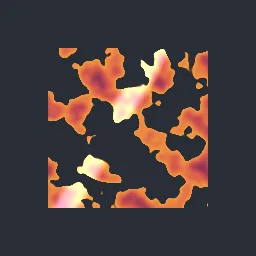
What this component contains
ATTRIBUTION.mdLICENSEREADME.mdcomponent.jsondemo.tscninspect_shader.pymaterial.trespreview.pngsprite_shine_sweep.gdshadertest_package.pyverification/native.json
How it works
- Shader type
- canvas_item
- Parameters
- shine_color (vec4 = 1, 1, 0.95, 1), angle_degrees (float = 30), band_width (float = 0.14), softness (float = 0.5), intensity (float = 0.9), sweep_time (float = 0.8), pause_time (float = 1.4), progress_override (float = -1)
- Use it on
- A Sprite2D (or other textured CanvasItem) with transparent space around its shape, assigned to the node as usual.
- Result
- The sprite with a bright diagonal band of light across its middle.
- Renderers
- compatibility: compiled and rendered, forward plus: not verified, mobile: not verified
- Placement
- res://baltor/godot_shaders/sprite_shine_sweep/
Recorded checks
godot 4.7.2.stable.official.ed1daf0bf
contract_staticengine_runengine_log_cleanshader_in_scenecapture_writtenrender_not_uniformshader_changes_pixels
Limits to consider
The band moves in UV space, so in an atlas it sweeps across the whole atlas region. It brightens additively and can clip on light sprites.